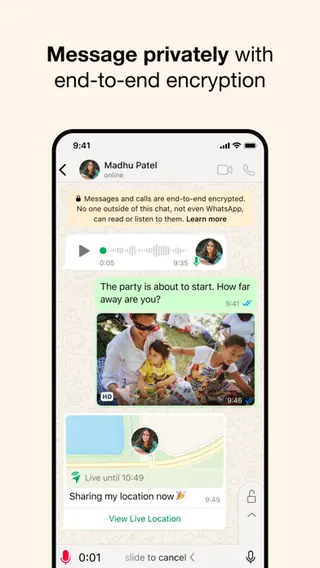
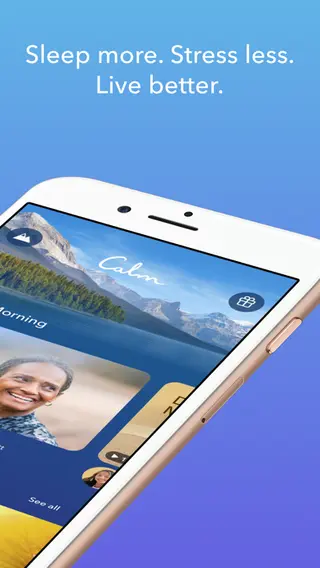
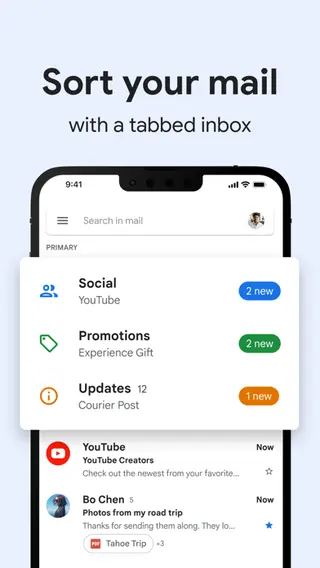
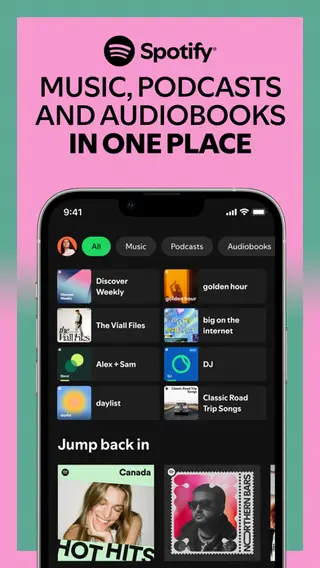
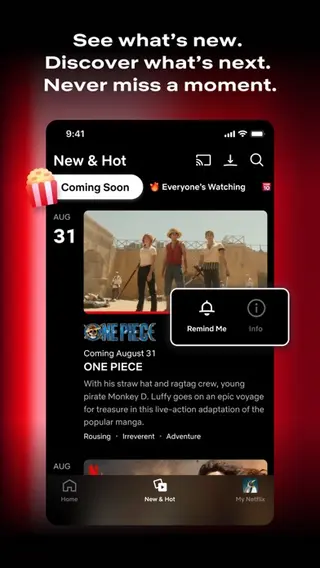
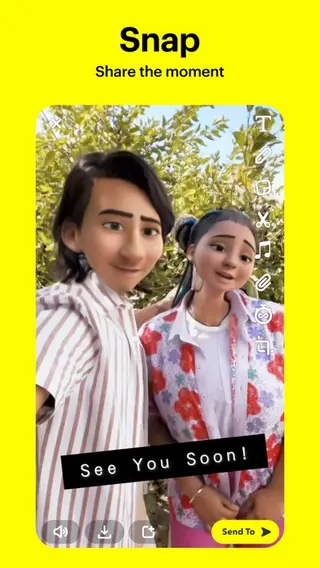

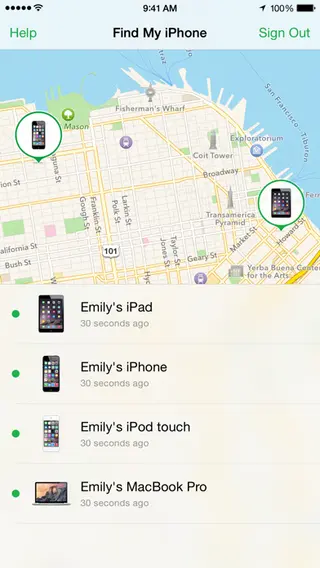
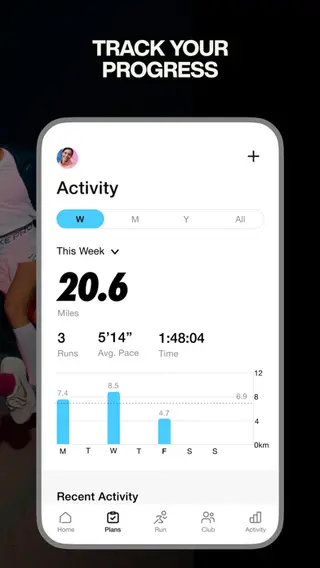
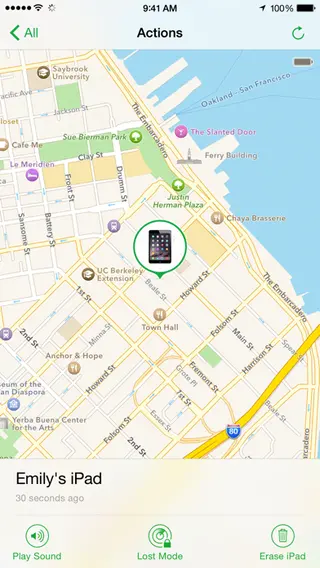
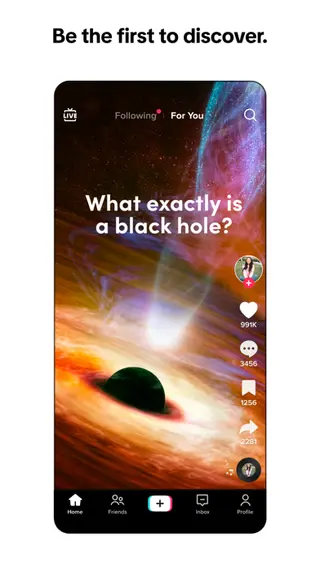
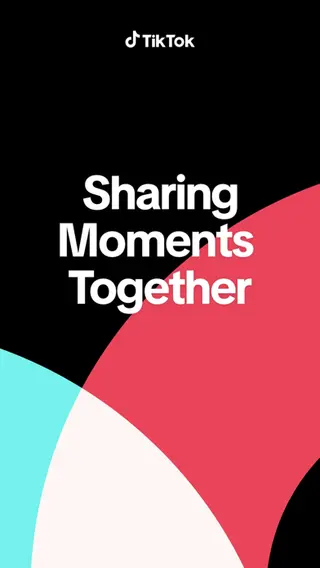
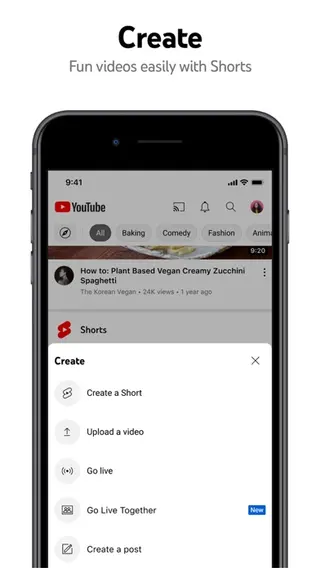

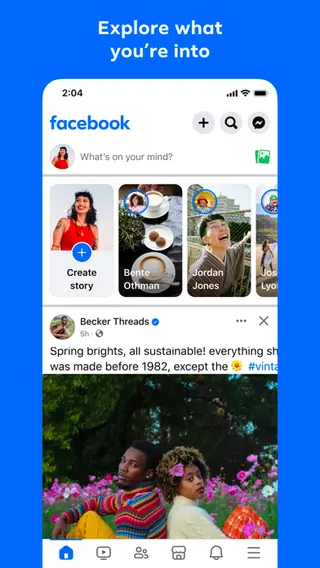
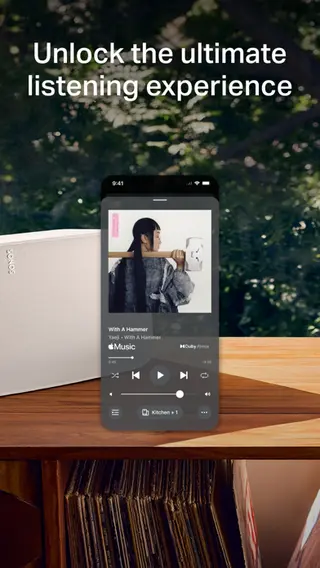
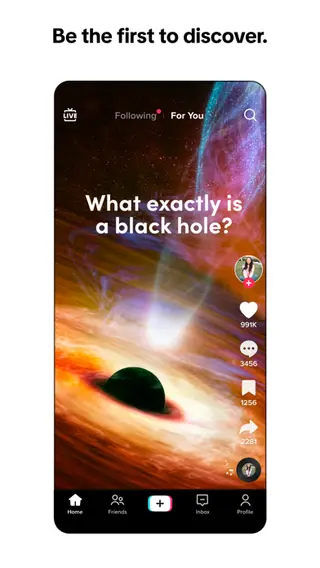
App Store Screenshot Generator
Design stunning app screenshots in seconds
Create stunning visuals for iOS and Android. Translate to 100+ languages with AI. Enjoy unlimited projects and exports.
Product demo
Watch the screenshot workflow from brief to export
See how AppScreenTool builds store-ready screenshots, applies device frames, and prepares assets for every storefront in one pass.
Create App Store & Play Store Screenshots in Minutes
Pick a template, drop in your screens, export for iOS and Android. One layout adapts to every size and language.
Templates
500+ layouts built for app store conversion.
Drop-in Screens
Bulk-import screenshots. Resize and position freely.
Customize
Frames, backgrounds, gradients, text, badges, colors.
All Devices
iPhone, iPad, Android, tablet, watch — side by side.
80+ Languages
AI translation with per-locale text and layout overrides.
Export & Upload
Pixel-perfect downloads or direct App Store Connect publish.
iPhone, iPad & Android Device Mockup Generator
Design once — AppScreenTool adapts for every required size. No duplicating files, no rebuilding layouts. Supports iOS App Store and Google Play sizes.
- Responsive layouts resize automatically
- Preview all sizes before exporting
- Custom dimensions for banners & feature graphics
Customize Your App Screenshot Design
Customize frames, backgrounds, typography, and layouts. Professional results without design skills. See our 500+ screenshot templates to get started.
Device Frames
Real, clay, 3D, outline, frameless
Backgrounds
Gradients, panoramic, images, tiled
Typography
1,500+ fonts, rich text, auto-sizing
Layouts
Multi-device, rotated, overlapping
Localize App Screenshots in 80+ Languages
AI-translate captions into 80+ languages. Layouts stay consistent when text expands, contracts, or flips direction. Learn more about our screenshot localization features.
- AI translation in seconds
- Override text, fonts, images per language
- Full RTL support
- Export all localizations from one project
How to Create App Store Screenshots — 6 Steps
Select your app
Pull listing details to pre-fill metadata.
Generate captions
AI-draft captions, then edit freely.
Choose a template
500+ layouts optimized for stores.
Add screens & customize
Bulk-upload, adjust devices and text.
Preview all devices
Check every size and locale in one view.
Export or upload
Download or auto-upload to stores.
Why Professional App Screenshots Boost Downloads
Screenshots are your app's first impression. Great ones explain value fast and turn browsing into installs.
Lead with value
Strongest features in the first 3 screenshots.
Test fast
Restyle to a new template in seconds. Run PPO experiments.
Localize the pitch
Adapt messaging per market, not just words.
Save hours
One project for every device and language.
Pixel-perfect
Exports match exact store specs. No resize errors.
No design skills
Templates and smart defaults — anyone can create.
Trusted by App Developers Worldwide
“Used to spend a weekend on screenshots. Now it takes 20 minutes.”
“Localization saves us days every release. We ship in 12 languages effortlessly.”
“Templates are genuinely good. Customize slightly and results look premium.”
“Clients are always impressed. They have no idea how fast I make them.”
“Tested new styles and saw 28% increase in conversion. Incredible ROI.”
“Responsive sizing is the killer feature. One layout, every device.”
Frequently Asked Questions
What is AppScreenTool?
Which stores are supported?
Can I design once for every device?
How does localization work?
Do I need design experience?
Is it free to try?
How is this different from Figma?
Everything Included in Our Screenshot Generator
Turn Visitors Into Installs
Professional, localized, store-ready screenshots. Start creating today — free.